
File Type
Use a Clear File
Vector files are preferred. A high-resolution transparent PNG may also work well.
Studio: PNG · JPG · SVG · WebP · up to 12 MB. AI, EPS and PDF files must be exported to a supported format before uploading.
PREPARE YOUR DESIGN
Follow these guidelines to prepare a clear logo or design for custom tissue paper printing.
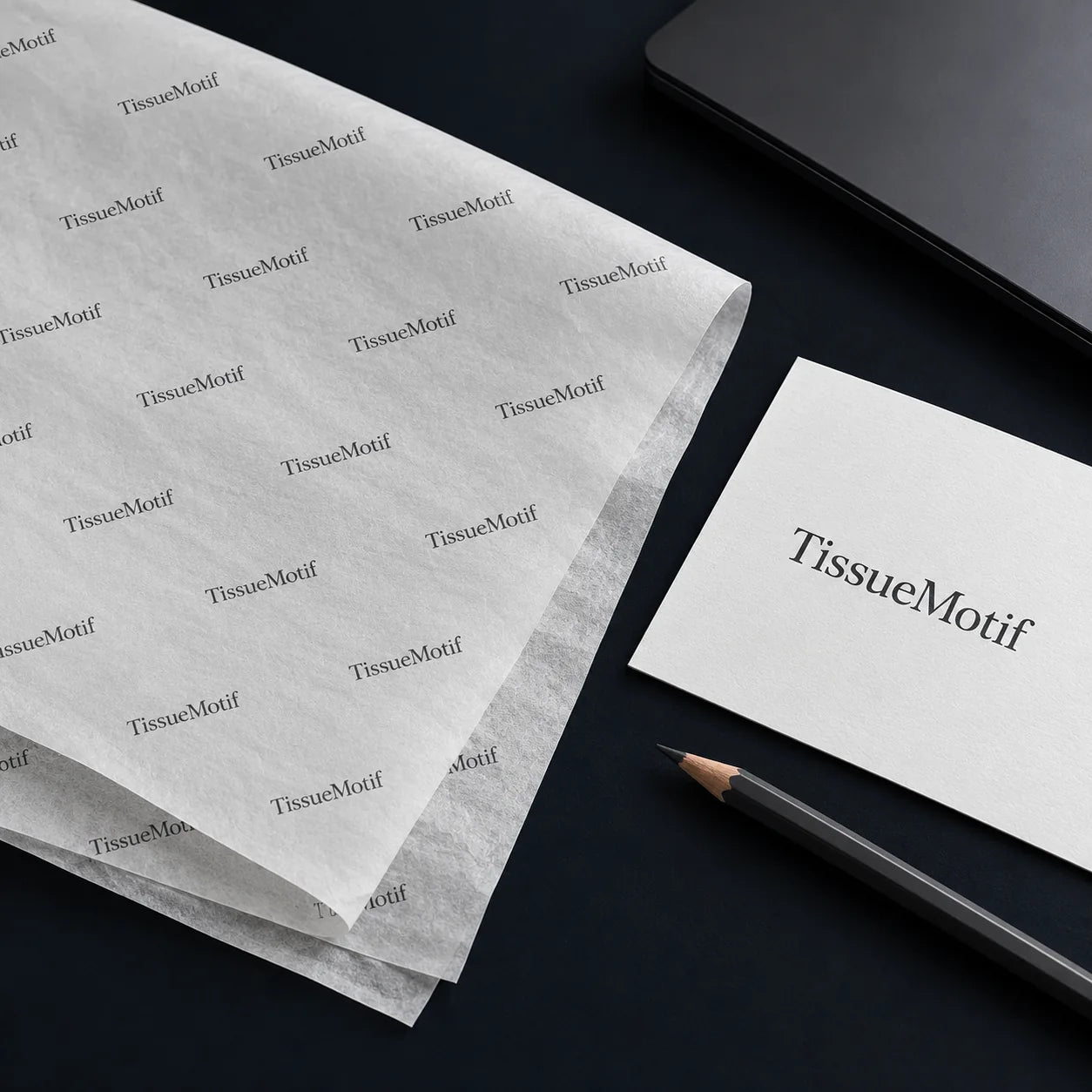
Choose natural white or a colored background, then pick one color for your logo, text and decorations. Check the preview and order online.
Use a clear PNG, JPG, SVG or WebP logo, up to 12 MB. Finished artwork needs a transparent PNG, SVG or WebP. Select the background in the Studio; transparent areas reveal the background you choose.
For a white logo on black, the white areas are left unprinted so the natural paper shows through. The Studio keeps colors that stand apart from your background.
File Type
Vector files are preferred. A high-resolution transparent PNG may also work well.
Studio: PNG · JPG · SVG · WebP · up to 12 MB. AI, EPS and PDF files must be exported to a supported format before uploading.
Background
Remove unwanted backgrounds to prevent a white or colored box around your logo.
Design Detail
Avoid very small text, extremely thin lines, blurry screenshots, and overly complex details.
Print Color
Tissue paper is thin and semi-transparent, so printed colors may look softer than they do on screen.
Recommended
Original logo files, clear shapes, readable lettering, and strong contrast with the tissue color.
Avoid
Screenshots, thumbnail images, unwanted backgrounds, tiny text, and artwork copied from websites.
Before Uploading
Confirm the spelling, dates, and contact details.
Review the logo size, spacing, and orientation.
Make sure you have permission to print the artwork.
The digital preview is an approximate guide to size, position, and repeat. It does not guarantee an exact printed color match.
Artwork Ready?
Choose your paper options and upload your logo or design.
Packaging ideas. Print inspiration. News worth unwrapping.
